Adding Notes to Relationships
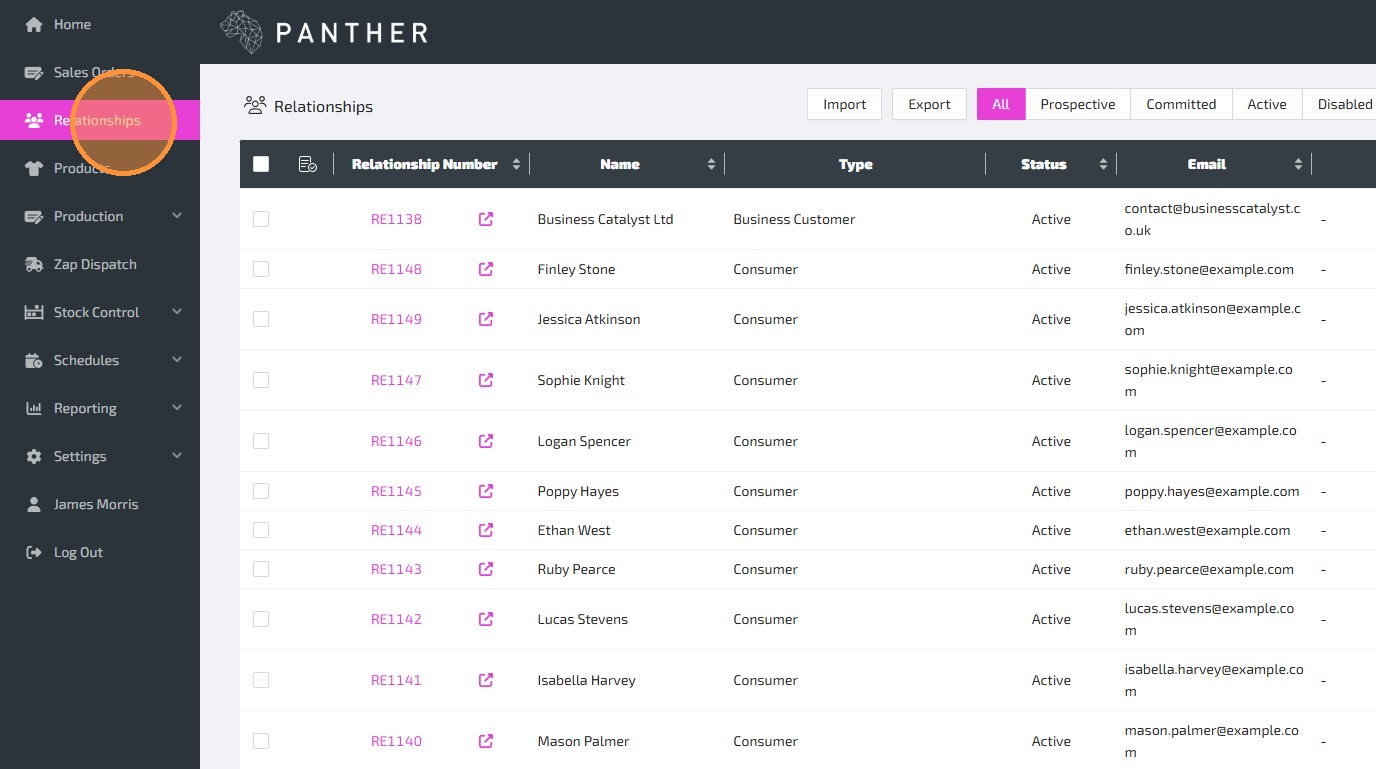
1.Navigate to "Relationships".
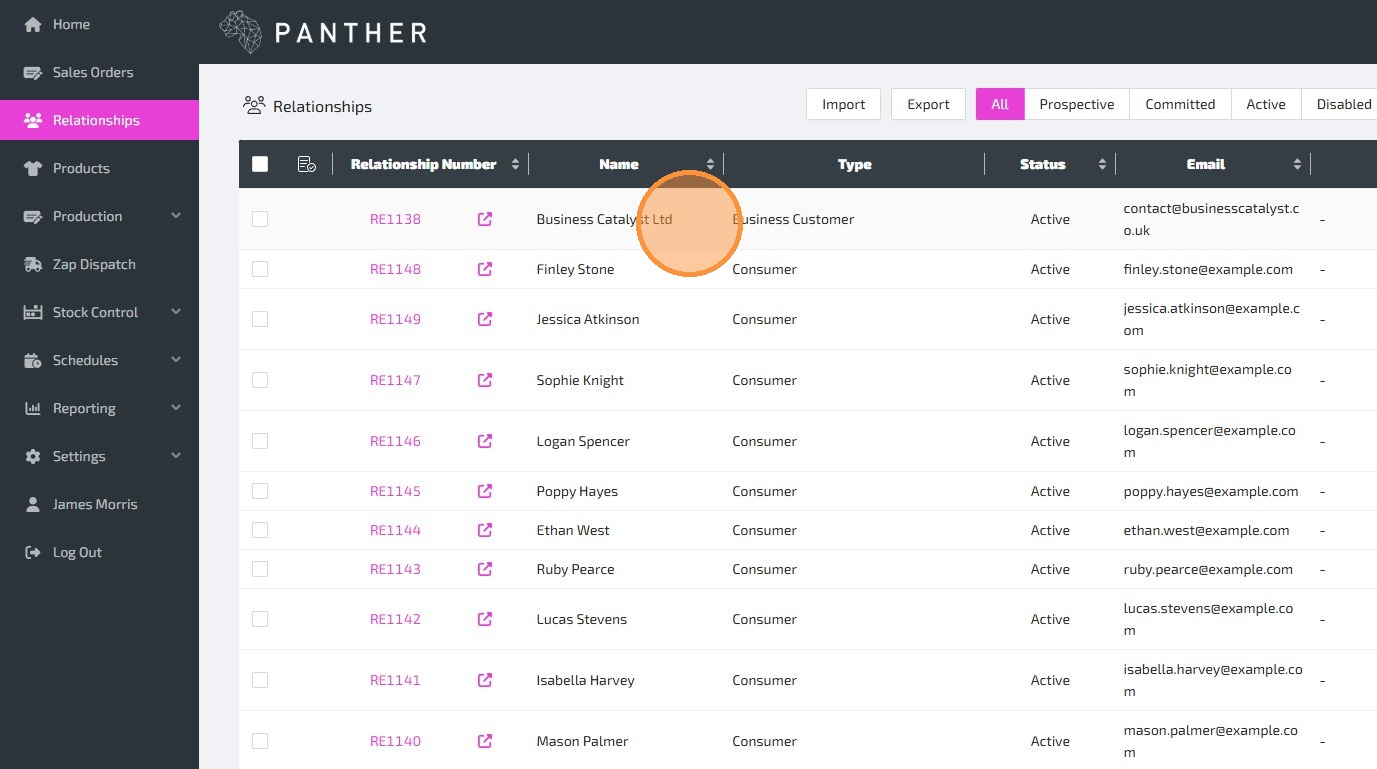
2.Find the Relationship that you want to add a Note to, and click on it to edit that Relationship.
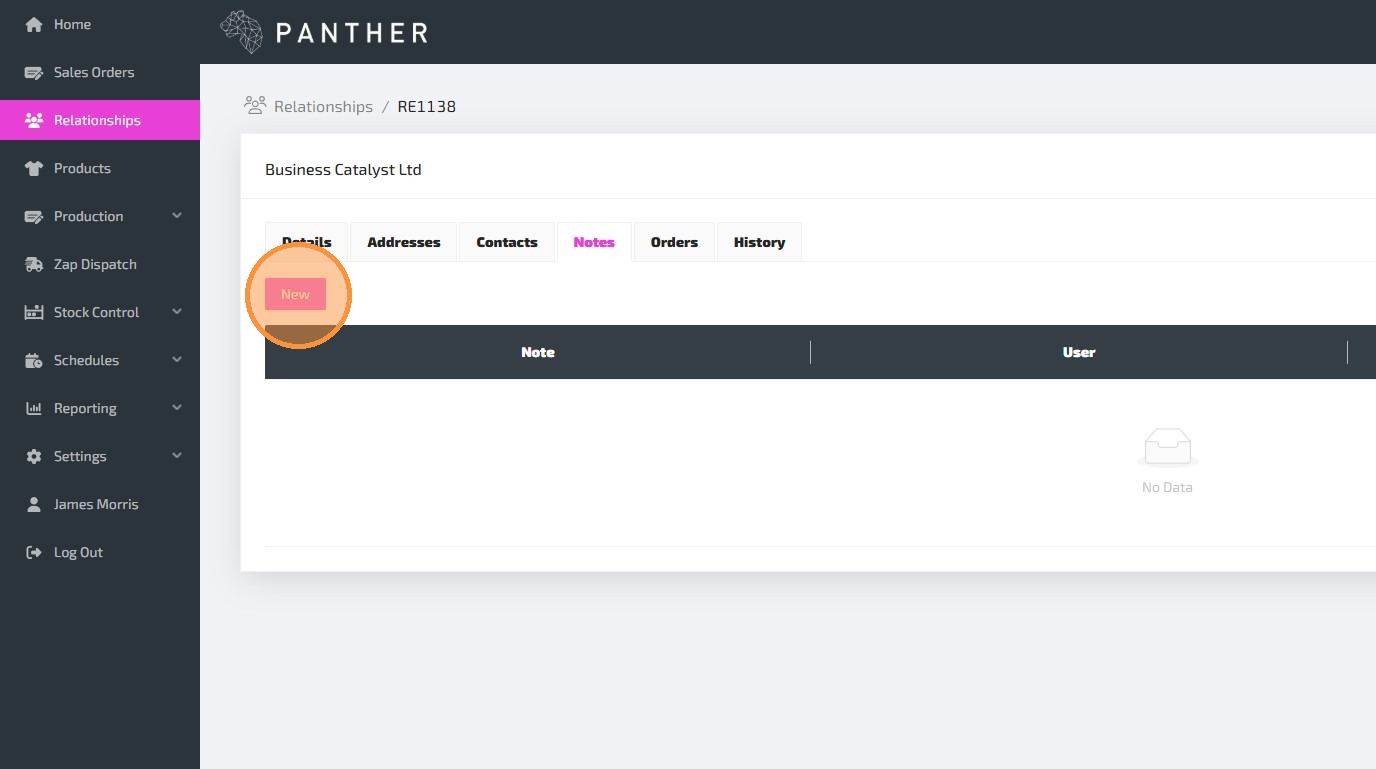
3.Navigate to the "Notes" tab. This tab will display existing Notes, and allow you to add new Notes.
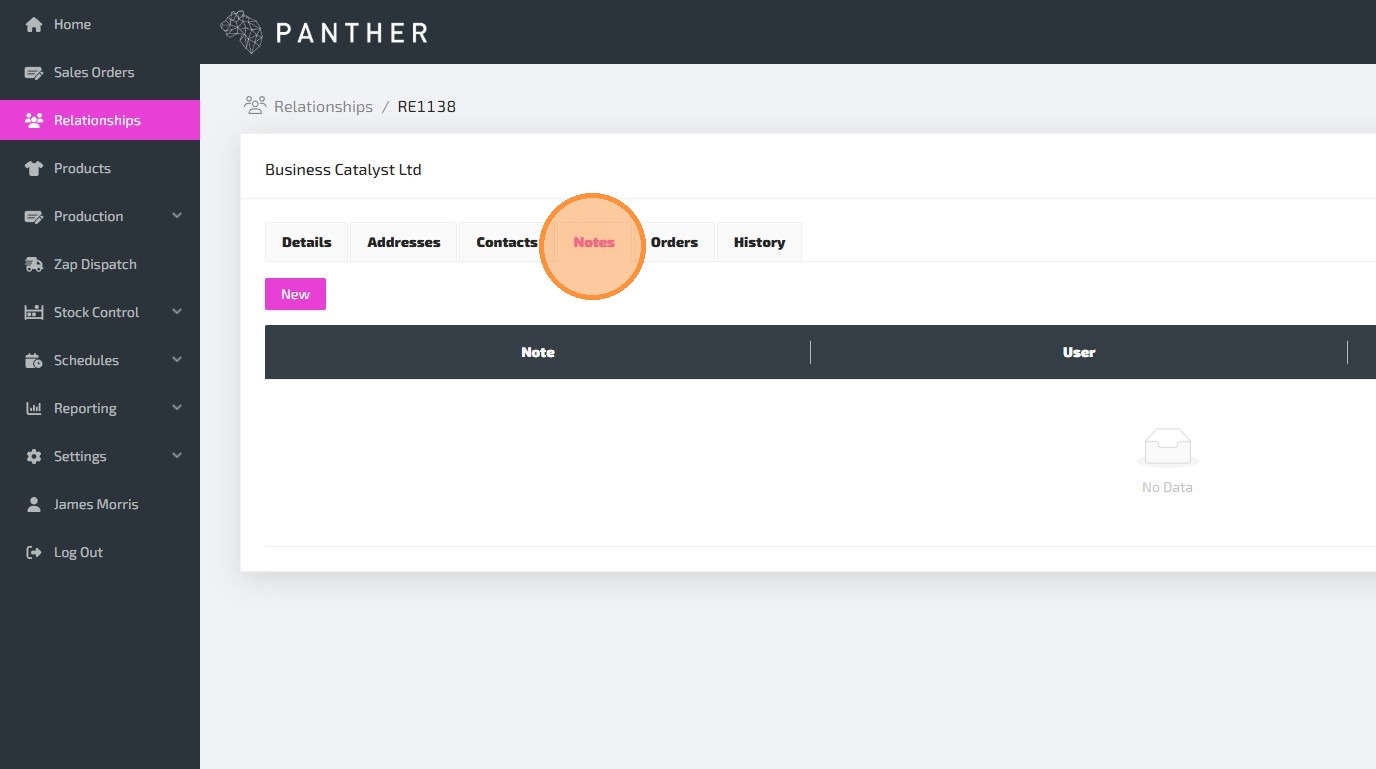
4.To add a new Note, click the "New" button.
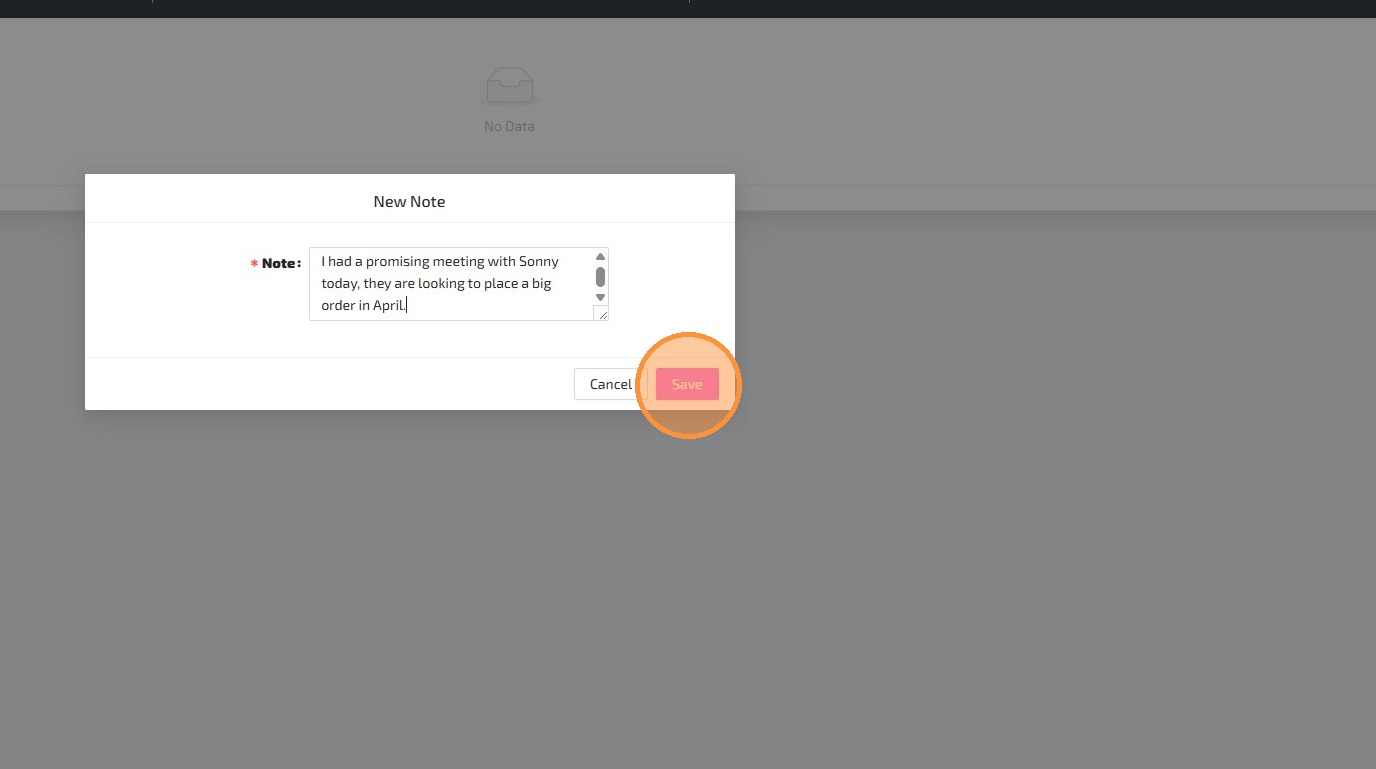
5.Type in your Note, and click 'Save' to add the Note to the Relationship.
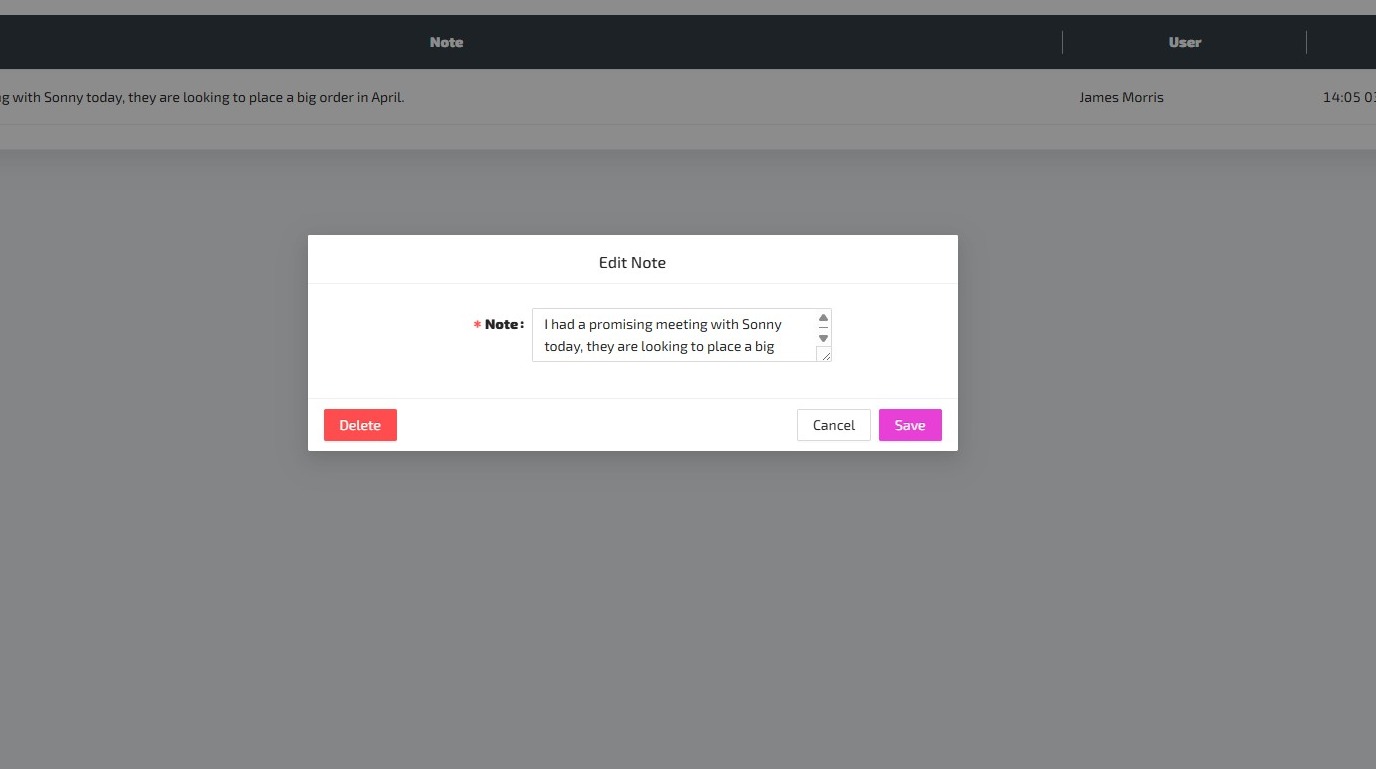
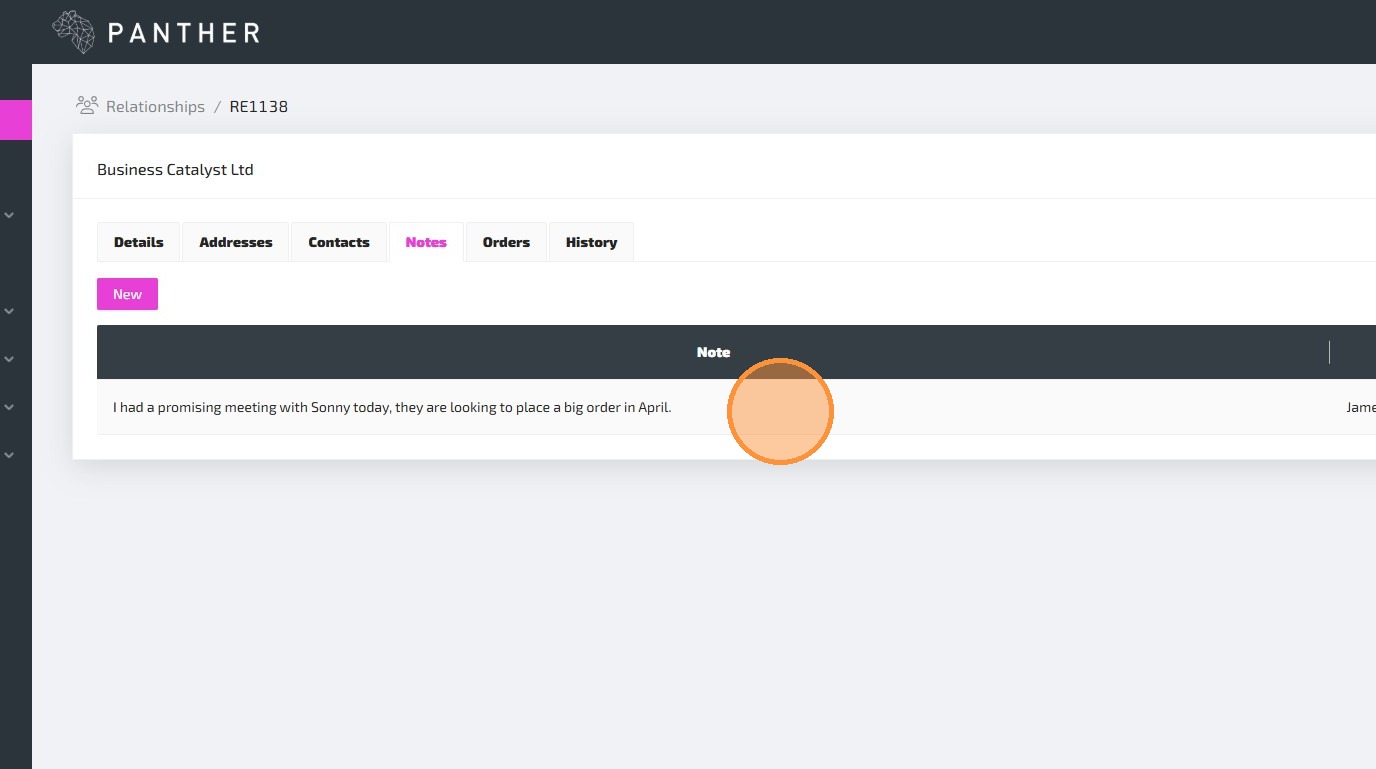
6.You can edit or delete an existing Note by clicking on the Note from the "Notes" tab.
7.The "Delete" button will delete the Note, while the "Save" button will update the Note with any edits that you have made.